

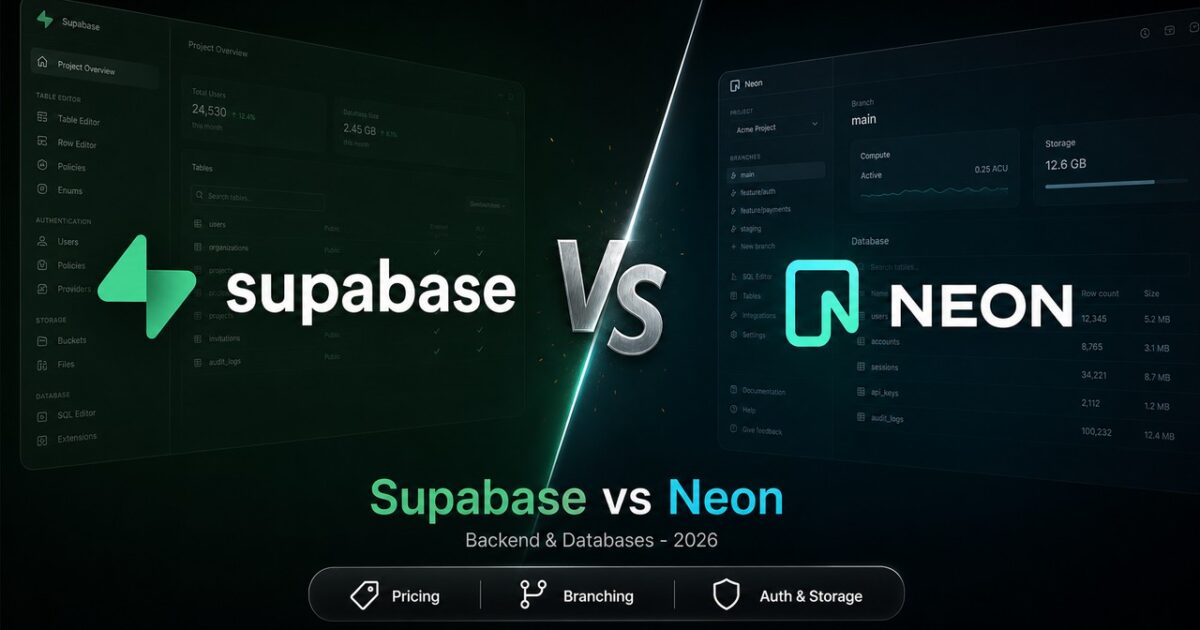
Comparing Supabase and Neon as simple “managed Postgres alternatives” is why so many architectural debates never resolve. Supabase sells an open-source Backend-as-a-Service (BaaS)—Postgres paired with built-in Authentication, S3-compatible Storage, Realtime WebSockets, and Edge Functions. Neon sells a decoupling of Postgres compute and storage built specifically for copy-on-write database branching, scale-to-zero compute, and serverless edge queries.
While both let you execute raw SQL against PostgreSQL, they lose to each other on different days depending on whether you need a complete backend runtime or a serverless database layer.
The Decision Edge: If you are building a greenfield full-stack application and want to avoid gluing together Clerk, AWS S3, and Pusher, pick Supabase. If you already have an application server (Next.js, FastAPI, Go) with separate auth and storage, and you want instant Git-style schema branching for CI/CD or database-per-tenant isolation, pick Neon.
The 30-Second Answer
- Choose Supabase if: You want a single integrated platform that handles your database, user authentication (OAuth, magic links), file uploads, and WebSocket state. It gives you immediate access to Row Level Security (RLS) policies and Auto-generated REST/GraphQL APIs without writing backend boilerplate.
- Choose Neon if: You want pure serverless Postgres where storage and compute scale independently. Its copy-on-write database branching lets you create isolated, full-data staging environments in seconds for pull requests, while its scale-to-zero compute slashes costs for idle development environments.
Supabase vs Neon: Head-to-Head Comparison
| Dimension | Supabase | Neon |
|---|---|---|
| Core Philosophy | Full-Stack Backend-as-a-Service (BaaS) | Serverless Postgres Storage/Compute Engine |
| Entry Paid Plan | $25/month (Pro plan, org-level) | Usage-based ($0 base) (Launch plan, pay-as-you-go) |
| Free Tier Allowance | 500 MB DB storage, 1 GB file storage, 50k MAU | 512 MB DB storage, 100 CU-hours compute/project, up to 100 projects |
| Free Tier Behavior | Pauses after 1 week of inactivity | Suspends compute after 5 min idle (~1s cold start) |
| Database Branching | Git/PR linked preview branches (heavier) | Copy-on-write storage branching (instant) |
| Bundled Services | Auth, Storage, Edge Functions, Realtime | Database only (Auth & Storage in beta) |
| Compute Model | Dedicated Postgres instance per project | Auto-scaling compute units (0.25 to 16 CU on Launch) |
| Vector Search | pgvector with HNSW & automatic pipeline |
pgvector + lakebase_vector hybrid search |
| Data Egress Included | 250 GB/mo on Pro ($0.09/GB overage) | 500 GB/mo on Launch ($0.10/GB overage) |
Data verified against official vendor documentation as of August 2026.
1. Architectural Philosophy: BaaS Platform vs Serverless DB
The core distinction in a serverless postgres comparison comes down to scope.
Supabase wraps PostgreSQL in a developer ecosystem. When you spin up a Supabase project, you get PostgREST (which auto-generates RESTful endpoints directly from your schema), GoTrue for authentication, Realtime for streaming database changes over WebSockets, and Storage for file uploads. You can write Row Level Security (RLS) rules in Postgres to secure endpoints without writing custom authorization middleware. If you previously considered migrating Supabase vs Firebase, Supabase is the open-source Postgres response to Firebase’s document store.
Neon focuses exclusively on database engine mechanics. Neon engineered a custom storage engine (“lakebase architecture”) that separates compute nodes (running standard PostgreSQL) from Page Servers that handle durability and storage. Because storage pages are decoupled, Neon can detach compute entirely, scale it down to zero when idle, or fork database states instantly.
If you bring your own ORM like Prisma or Drizzle (see our guide on Drizzle vs Prisma) and deploy serverless functions on Vercel or AWS Lambda, Neon acts as an invisible, self-scaling Postgres endpoint.
2. Pricing Structures & The “Cold Start” Tradeoff
Both platforms offer free tiers to start, but their pricing models diverge quickly once you go into production.

Supabase Pricing Dynamics
As of August 2026, Supabase Pro costs $25/month per organization. This base fee includes:
* $10 compute credit (covering one dedicated Micro compute instance)
* 8 GB database disk storage ($0.125/GB overage)
* 250 GB bandwidth egress ($0.09/GB overage)
* 100,000 monthly active users for Auth ($0.00325/MAU overage)
* 100 GB S3-compatible file storage ($0.0213/GB overage)
Because Supabase Pro provisions dedicated compute instances, there are zero cold starts on paid plans. However, if you add five separate micro-staging environments on Supabase Pro, each additional Micro instance costs $10/month, making multi-environment setups cost $75/month total ($25 base + $50 for 5 extra Micro instances).
The Supabase Free tier provides 500 MB database storage, 1 GB file storage, and 50,000 MAUs, but free projects automatically pause after one week of idle time.
Neon Pricing Dynamics
As of August 2026, Neon’s Launch plan uses a pay-as-you-go model with no fixed monthly subscription fee ($0 base cost). You pay purely for resource consumption:
* Database storage: $0.35 per GB-month
* Compute consumption: $0.106 per Compute Unit (CU) hour
* 500 GB public network transfer per project included ($0.10/GB overage)
* Up to 100 projects and 10 branches per project included ($0.002 per branch-hour or ~$1.50/branch-month extra)
Neon’s superpower is compute auto-scaling (from 0.25 vCPU up to 16 CUs on Launch, and up to 56 CUs on Scale) and scale-to-zero. On the free plan (512 MB storage per project, 100 CU-hours per project monthly), Neon compute suspends after 5 minutes of inactivity. Waking a suspended Neon compute takes approximately 1 second (a cold start latency). On paid plans, scale-to-zero can be configured or completely disabled for production branches to guarantee sub-millisecond query initiation, while keeping scale-to-zero active for preview environments to save money.
3. Database Branching: Git Workflows vs Schema Previews
Database branching is where Neon establishes a structural moat in the neon database branching discussion.
Neon Copy-on-Write Storage Branching Architecture:

Main Branch (Parent)
[ Page 1 ] ---> [ Page 2 ] ---> [ Page 3 ]
                      \
                       \---> Dev Branch (Child - Instant Fork)
                             [ Modified Page 2' ]
Neon handles branching at the storage layer using copy-on-write. Creating a new branch on Neon takes less than two seconds, regardless of whether your database is 100 MB or 100 GB. The child branch shares storage pages with the parent branch until data diverges, making dev branches virtually free in storage overhead.
This unlocks powerful developer workflows:
1. GitHub PR Previews: Every pull request spins up a full-data ephemeral database branch, runs integration tests, and destroys the branch upon merge.
2. AI Agent Workflows: An agent can fork a database branch, test dynamic SQL mutations or schema migrations, evaluate the output, and discard the branch if the generation fails.
3. Multi-Tenant Isolation: You can provision dedicated branches per enterprise customer without duplicating physical database clusters.
Supabase supports preview environments tied to Git workflows, but its branching is migration-based or relies on persistent infrastructure. It does not offer instant storage-level copy-on-write branching across giant production datasets.
4. AI & Vector Capabilities: pgvector Implementations
Both platforms embrace AI workloads with native PostgreSQL vector extensions, but handle indexing differently.
Supabase integrates pgvector directly into its platform dashboard and Edge Functions. You can store embeddings, run HNSW or IVFFlat index lookups, and use pgmq and pg_net to queue background embedding generation directly from database triggers. Supabase is well-optimized for RAG (Retrieval-Augmented Generation) pipelines built entirely inside Postgres.
Neon supports pgvector alongside its custom Lakebase Search capabilities (lakebase_vector and lakebase_text extensions). Lakebase Search introduces RaBitQ quantization and fast index building that constructs 50x to 100x faster than standard HNSW indexes on large collections, while enabling unified semantic and BM25 full-text keyword search directly inside SQL queries.
Where Neon Actually Wins
Neon beats Supabase cleanly in three specific scenarios:
- Ephemeral Development & CI/CD Pipelines: If your team wants every pull request to run migrations and end-to-end tests against real production-like data, Neon’s copy-on-write branching is unmatched.
- Serverless Framework Compatibility: For apps built on Next.js, Vercel Functions, or Cloudflare Workers, Neon’s HTTP and WebSocket serverless drivers manage connection pooling seamlessly without exhausting PostgreSQL
max_connections. - Variable/Bursty Workloads: If you run hundreds of dev, staging, or internal client databases that sit idle 90% of the day, Neon’s scale-to-zero saves hundreds of dollars in idle compute fees compared to Supabase’s always-on instances.
Where Supabase Actually Wins
Supabase retains a decisive lead if you value full-stack development speed and integrated infrastructure:
- Complete Backend Out of the Box: If you need Auth, File Storage, and WebSockets, choosing Neon means subscribing to and integrating three separate vendors (e.g., Neon + Clerk + AWS S3 + Ably). Supabase delivers all four in a single dashboard with unified billing.
- Zero Cold Starts for Production: Supabase Pro provides dedicated Postgres compute. Your production queries never hit a 1-second cold start latency penalty caused by compute auto-suspend.
- Built-in Security via RLS & Auto APIs: PostgREST automatically maps your Postgres schema to secure REST endpoints. Paired with Supabase Auth and Row Level Security, you can query the database directly from client-side React or Swift applications safely without writing custom API endpoints.
The Verdict
If you force us to choose one winner for general software development, Supabase wins for team velocity. By unifying PostgreSQL, Authentication, S3 Storage, and Realtime WebSockets into a single platform for $25/month, Supabase eliminates months of integration work for greenfield web and mobile applications.
However, the decision flips based on your architecture:
- Pick Supabase if you are building an application from scratch and want a unified, open-source BaaS that completely eliminates backend boilerplate.
- Pick Neon if you already have an established backend stack, need instant database branching for CI/CD staging environments, or want serverless Postgres compute that automatically scales to zero when idle.
Frequently Asked Questions
Is Neon cheaper than Supabase?
It depends on your compute utilization. Neon’s Launch plan has no fixed monthly base fee ($0 base, pay-as-you-go) versus Supabase’s $25/month Pro plan. Neon is significantly cheaper for workloads with variable traffic or multiple development environments because idle compute scales down to zero. However, for continuous production traffic with heavy data storage and egress, Supabase’s bundled allowances (250 GB egress, 100k auth users, 100 GB file storage) often yield a lower net bill than paying Neon plus third-party auth and storage providers.
Does Neon have cold starts?
Yes, on Neon’s Free plan or on paid plans where “scale-to-zero” is enabled for idle databases, spinning up an auto-suspended compute instance incurs a cold start penalty of roughly 1 second. On paid plans (Launch and Scale), you can disable scale-to-zero for your production branch to ensure zero cold starts.
Can I use Supabase Auth or Storage with Neon?
While Supabase Auth and Storage are designed as integrated components of the Supabase platform, Supabase’s open-source packages (like Auth/GoTrue) can theoretically be self-hosted separately. However, in practice, developers choosing Neon pair it with specialized third-party services like Clerk or Auth0 for authentication, and AWS S3 or Tigris for object storage.
Final Recommendation
Supabase wins for team velocity when building full-stack web or mobile apps by bundling Postgres, Auth, Storage, and Realtime into a single platform. Choose Neon if you already have an application backend and specifically need copy-on-write database branching or scale-to-zero compute.

Leave a Reply